All You Need to Know About Progressive Web App
237 Views
Summarize Article



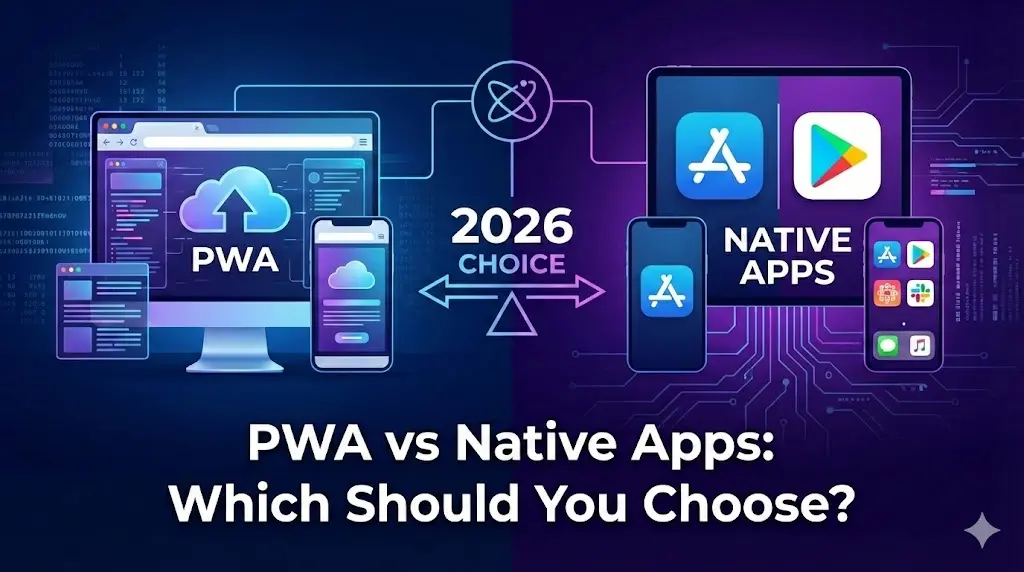
A progressive web app sits in the middle ground between a website and a native mobile app. It opens in a browser, yet it can work offline. It can end push notifications, and sit on the home screen like a normal app.
Brands already use progressive web apps for serious results. Twitter Lite saw about a 65 percent rise in pages per session and a 75 percent rise in Tweets sent, plus a 20 percent drop in bounce rate after moving to a PWA. Alibaba’s PWA lifted mobile conversions by around 76 percent across browsers.
So this is not only a tech trend. It is a real growth lever. Let us break down what progressive web apps are, how they work, and where WebOsmotic fits into that picture.
A progressive web app is a web application that uses modern browser features so users get an app-like experience without any app store download. It runs at a web address, yet it can:
Most people cannot easily tell the difference between a good PWA and a native app once they start using it.
When people ask “what is a progressive web app” or “what are progressive web apps,” this is the core idea. They bring app style speed and polish into the web layer you already own.
Want to see how that fits into the bigger picture of mobile products? This future of mobile app development guide gives useful context.
The main building blocks stay simple, even though the term sounds complex.
A service worker is a small script that sits between the browser and your network. It can save key assets and watch each request. Then, it can choose what to show when the device has no signal or a very weak one.
A manifest file stores details such as the app name and icon plus basic theme colours. When a user taps “Add to Home Screen,” the browser reads this file and installs your site like an app tile. Next time they open it, the experience feels closer to a simple standalone app than a busy browser window.
PWAs run on secure HTTPS. This keeps data safe in transit and gives the browser enough trust to turn on powerful features like service workers and push notifications. Users also see the lock icon, which builds confidence before they share payment or login details.
Teams who already feel the pain of slow screens and brittle stacks will recognise many of the same themes in this article on challenges in web application design and development.
When these three parts sit together, a normal web app can start to behave like a progressive web app without any big rewrite in a new tech stack.
PWAs cache key assets and views, which cuts load time. Forbes saw its PWA load noticeably faster on mobile and reported much longer sessions and higher completion rates after its test. Faster pages lift engagement and keep users relaxed on slow networks.
Across many case studies, progressive web apps lift conversion rates and session length when compared with the old mobile web versions. One analysis of PWA results found average conversion lifts around 52 percent and session length up by about 78 percent.
Twitter and Alibaba show the same story. Twitter Lite’s PWA increased pages per session and Tweets sent while cutting bounce rate. Alibaba’s PWA raised conversions across browsers by roughly three quarters and increased monthly active users on iOS and Android.
Push notifications built into PWAs can reach users even when the app is not open. A recent overview notes that push via PWA can reach open rates around 90 percent, much higher than typical marketing email. Used with care, this keeps users coming back without heavy ad spend.
You still maintain one codebase that runs in the browser. You do not need separate native apps for different mobile platforms. For many teams this means leaner releases and fewer headaches during upgrades.
That single codebase idea lines up neatly with mobile app development trends where companies try to cut duplicate work and still keep apps sharp.
Progressive web apps are not a magic fix for every product. However, there are clear cases where they shine.
Users reach your store through search, ads, and links. A PWA keeps that funnel open while still giving fast apps like navigation and offline support for browsing. Case studies across retail show higher conversions and interaction after PWA launches.
Many brands pair this with AI in mobile app development so search, recommendations, and support also feel smarter on top of the PWA shell.
News, blogs, and learning platforms benefit when articles load quickly, work offline, and send timely alerts for fresh stories.
Sales teams, support teams, and field staff often jump between laptop and mobile. A PWA lets them use one interface across devices, with install options for heavy users.
If you are still searching for product market fit, a progressive web app lets you ship faster, test features, and reach users without the friction of app store installs. Later you can still add native shells if needed.
Choosing any progressive web app development company calls for more than a checklist of frameworks. Good partners should help you answer a few simple questions.
They should also design a plan for long term upgrades so the PWA keeps pace with browser changes and security best practice.
WebOsmotic treats progressive web apps as part of a wider product stack, not a stand-alone trick.
Typical work flows like this:
Progressive web apps combine web reach with much of the comfort of native apps. They load fast, handle patchy networks, and stay close through install prompts and push. Well built PWAs often raise conversions, session length, and retention without separate native builds.
WebOsmotic can review your product, map where a PWA fits, and design a calm, step by step upgrade so it becomes a durable growth channel.