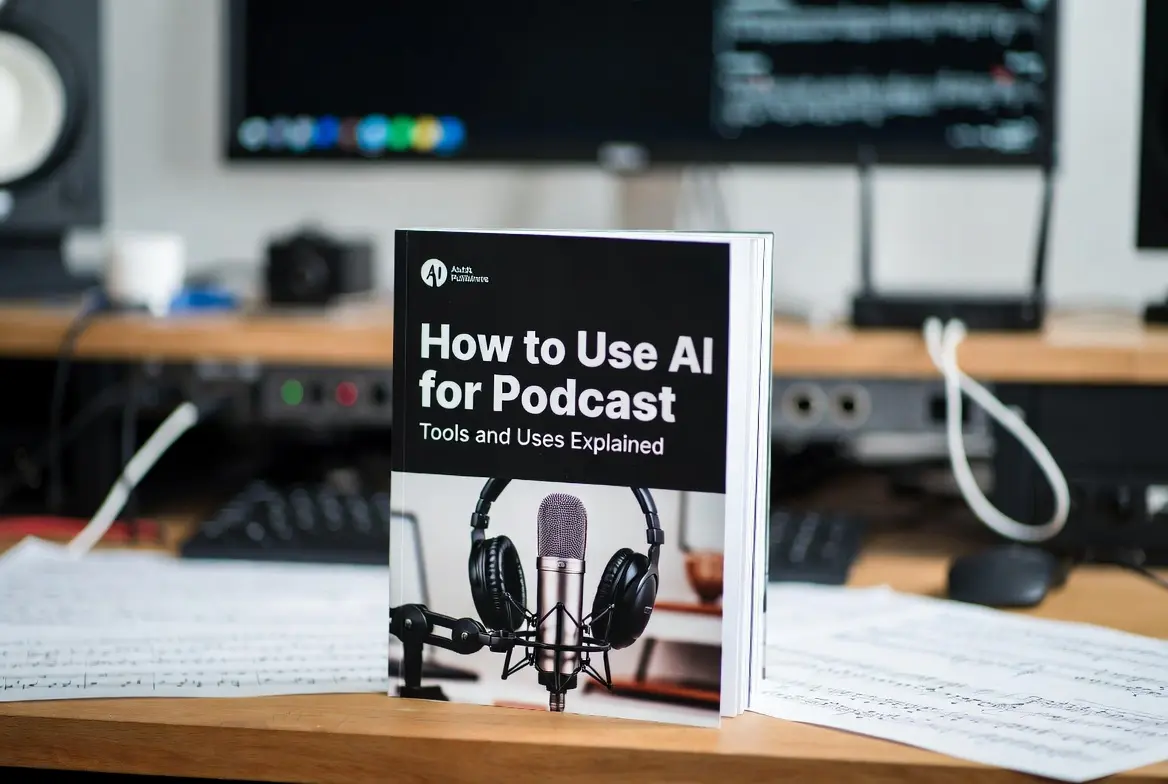
How to Use AI for Podcast: Tools and Uses Explained
154 Views
Summarize Article



If you host a podcast, you already juggle ideas, guests, audio clean up, show notes, clips, posts and a release schedule that never slows down. AI can help without stealing your voice. The goal is not magic. The goal is to face less grind and create sharper episodes.
This guide walks through practical ways to use AI for podcast planning, editing, clips, growth and study, plus how to keep control over tone and quality. This guide is shaped by how teams at WebOsmotic set up workflows for real shows.
For brands running multiple shows, our custom AI solutions guide shows how to design podcast workflows that stay fast and compliant.
More than 584 million people listened to podcasts in 2025, and there is yet a lot to be explored. Also, an estimated 115 million adults in the US are weekly podcast listeners, so a well-run show now speaks to a truly mainstream audience, not a niche.
Before tool hunting, decide the job you want AI to handle this month.
Pick one:
Starting small matters. When AI handles one painful task well, trust grows and the rest falls into place. That is the safest path for AI for podcasts inside a serious show. Once one task works, you can fold it into a simple workflow automation that tracks edits, handoffs, and approvals in one place.
Editing consumes hours. You listen on repeat, slice silence, remove filler, level voices, export variations. AI can handle the boring chunks while you keep final judgement.
Use AI for podcast editing to:
Key checks:
A substantial audience of over 584 million individuals engaged with podcast content throughout the year 2025, and this significant total is predicted to surge toward 619 million listeners by the time 2026 arrives.
Feeling more enthusiastic now to get things started in no time, right? Also, did you know in the United States alone, around 158 million people listen to podcasts every month, which is roughly 55% of the 12+ population.
You do not need a huge stack. You need a few AI tools for podcasters that slot into the stages you already run.
Use AI to:
You avoid blank page panic while still rewriting in your own voice. For recurring shows, you can keep a question bank and ask AI to adapt it per guest, not invent your show whole. If you want more control under the hood, you can base these helpers on open source LLM setups tuned to your format and audience.
Feed the transcript or a clean summary. Ask AI to:
Then you trim. This keeps style tight and boosts search because you hit real phrases your listeners use. At scale, this becomes one of the most valuable components in AI for podcasts.
Use AI assisted tools to:
Review each clip. Remove anything off-brand or out of context. Smart clipping plus your judgement equals an actual growth loop, not noise.
If your show teaches, you can turn archives into fast study material.
With an AI podcast for studying setup you can:
You can even turn archives into a Q&A assistant so listeners search concepts across episodes instead of scrubbing timelines. Listeners who study on the go will love this. It also helps hosts prep follow-up episodes, since you can see past themes in one view.
Growth is where many shows misuse AI. Mass DMs, generic outreach, cloned comments. That path burns trust.
A better approach:
You use AI for podcast workflows to sharpen communication, not to blast strangers.
Treat new tools like temporary interns.
If you cannot explain in one sentence how a tool helps your show, park it.
AI is fast. Mistakes are faster. Set a few rules:
One quiet hack: use the best AI podcasts for beginners as your study track while editing or commuting. Shows that explain prompts, workflows, and ethics in plain talk will sharpen your judgement. When you understand limits and strengths better, your own use of AI for podcast work becomes smarter and lighter.
Pick two shows that go deep into creative workflows and real examples. Ignore hype feeds that only shout big claims without process.
WebOsmotic has supported multiple US-based podcast brands and media teams on similar AI stacks. That experience helped new US projects skip trial-and-error and move straight to stable, repeatable workflows.
If your show is part of a bigger brand or network, DIY stacking can get messy fast. WebOsmotic helps teams:
You keep the creative calls. The system does the heavy lifting. If you want one team to own this plumbing, plug your shows into an AI development stack instead of juggling scattered tools.
AI can clean your edits, sharpen notes, pull strong clips, and turn a long archive into a study library. Use AI for podcast editing to remove grind, not your judgement. WebOsmotic advises to use AI tools for podcasters to support planning and growth without spamming anyone.
Keep rights, consent and review steps in place. When you treat AI as a quiet teammate instead of a gimmick, your show sounds better, ships smoother, and gives listeners more value in less time.