How Long Does It Take to Build an App? Timelines by App Type
7 Views
Summarize Article



Summarize Article
Under Google’s testing rules, a new personal developer account must run a closed test with at least 12 testers for 14 days before an app goes public. Few founders put those two weeks in the plan. Store rules are only one piece of the timeline, though.
So how long does it take to build an app? A simple app usually takes 2 to 4 months from kickoff to launch. A mid-complexity app with payments and an admin panel takes 4 to 7 months. Complex products with real-time features or heavy integrations run 7 to 12 months or longer.
This guide breaks the app development timeline down by app type and by phase. It also covers what slows projects, how to move faster safely, and an app launch checklist for the final weeks.
The timeline depends mostly on the number of user roles and integrations. A single-purpose app with one user type ships in about 3 months. Marketplaces and regulated apps carry more roles and compliance work, so they need 6 months or more.
| App type | Example | Typical timeline | What drives it |
| Simple | Event app, internal tool, MVP with one core flow | 2 to 4 months | Few screens, no payments |
| Mid-complexity | Booking app with payments and an admin panel | 4 to 7 months | Accounts, payments, notifications |
| Complex | Marketplace or on-demand app with 2 or 3 user roles | 7 to 10 months | Matching logic, real-time updates |
| Enterprise or regulated | Fintech or healthcare app with compliance needs | 9 to 12+ months | Security reviews, audits, integrations |
These ranges assume one cross-platform codebase and a steady team of 4 to 6 people. Two separate native apps add time. So do late scope changes. Budget for both.
Budgets are a separate question. The guide to mobile app development cost covers budgets for each type.
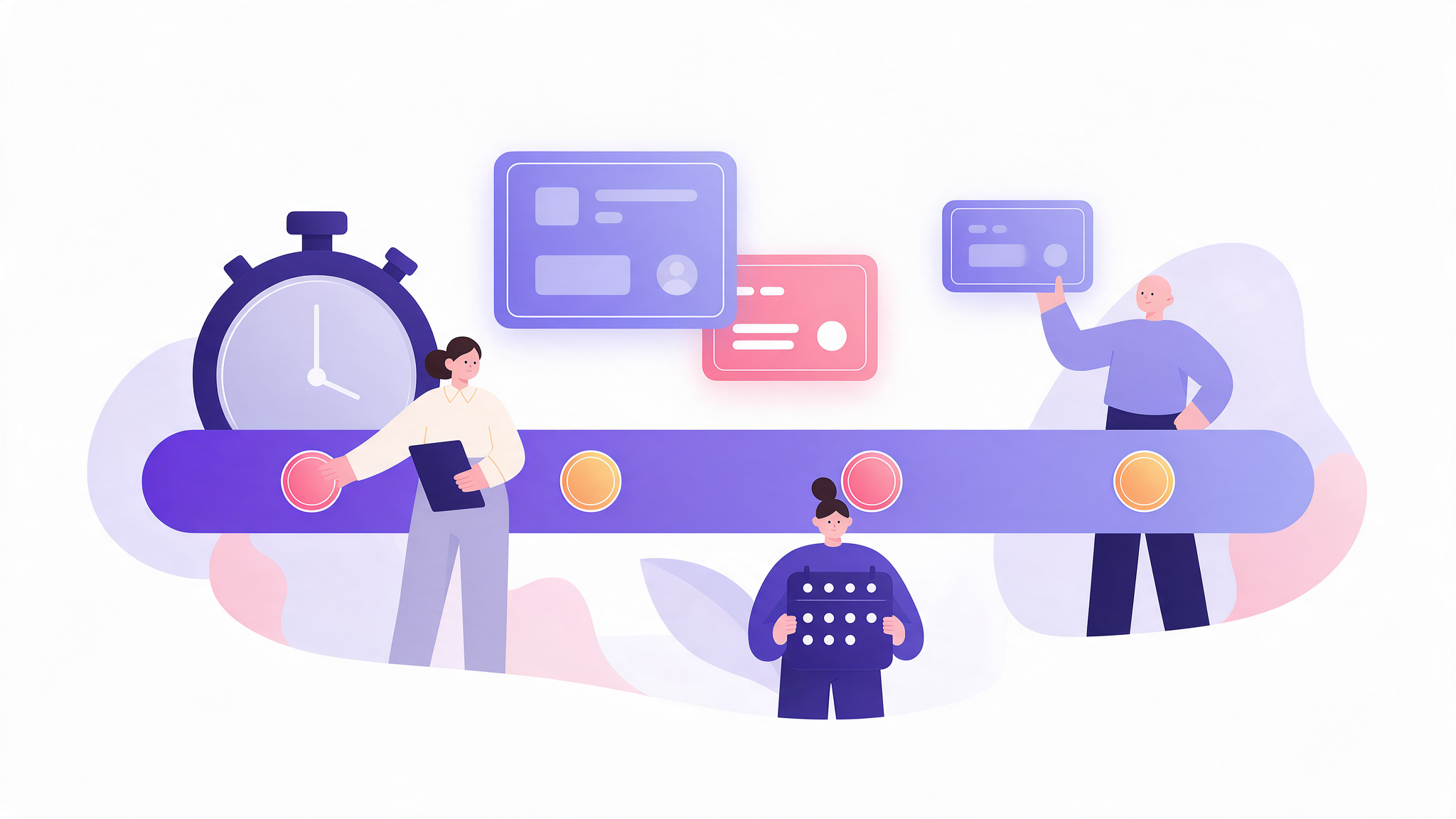
The mobile app development phases run from discovery to store release, as the table shows. Testing runs alongside development in modern teams, so phases overlap. The first two phases together take about a quarter of the total app development timeline, and they save time later by settling scope early.
| Phase | Typical length | Main output |
| Discovery | 2 to 4 weeks | Scope, user flows, technical plan |
| UX and UI design | 3 to 6 weeks | Clickable prototype and design system |
| Development | 8 to 24 weeks | Working app in 2-week sprints |
| Testing and QA | 2 to 6 weeks, overlapping development | Test reports and fixed defects |
| Store review and launch | 1 to 3 weeks | Approved listings and a live app |
Each phase has a clear exit. A signed scope closes discovery, and a tested prototype closes design. Development ends when features meet the agreed exit criteria, and launch ends with the app live in both stores.
The guide to the mobile app development process walks through the work inside each phase step by step. Read it before kickoff.
Want a realistic timeline for your app idea?
WebOsmotic maps your features to an app development timeline, week by week, and flags the parts most likely to slip before you commit a launch date.
App store reviews usually add a few days, but first launches can take longer. Apple says its App Review team reviews at least 50% of submissions in under 24 hours and 90% in under 48 hours. Google Play reviews usually take seven days or less. New personal Play accounts also need a 14-day closed test first.
Apple’s figures come from its App Review page. A rejection restarts the clock. Failed reviews cost more time than the review queue. Common causes include missing privacy details, broken sign-in for the reviewer and features that only work on a test server.
Allow 1 to 3 weeks for the first submission in each store, since the first review is when reviewers check privacy labels and sign-in flows most closely. Later updates usually clear review within a day or two on Apple’s side.
Scope changes slow app projects more than anything else, followed by late design decisions and slow feedback. Each change after design sign-off can add days or weeks, because screens and tests both need rework. Agreeing on scope early is the cheapest way to protect a launch date.
Common causes of delay:
Nearly all of these start in planning. A weekly 30-minute decision meeting with the product owner removes many of them.
Launch faster by shrinking the first release, using one cross-platform codebase, buying standard components and testing continuously. These moves cut weeks from the app development timeline without skipping QA. Cutting testing to hit a date usually backfires, because store rejections and bad reviews cost more time later.
Four tactics that work:
Security testing belongs in the plan too. The OWASP Mobile Top 10 lists the most common mobile risks, and checking against it before launch avoids last-minute fixes.
An app launch checklist should cover store listings, privacy disclosures, analytics, crash reporting, support channels and a rollback plan. Start it four weeks before the target date. Missing one item, such as a privacy policy URL, can delay store approval by days.
Use this app launch checklist in the final four weeks:
Teams that start the checklist early rarely lose days at the store gate.
Want one partner from first workshop to launch? Our mobile app development services cover the build and the store release in one team.
Ready to plan your app from discovery to launch?
Our mobile team scopes your first release, builds it in two-week sprints and handles the store submissions so your launch date holds.
A simple app with one user type and a single core flow takes about 2 to 4 months. That includes 2 to 3 weeks of discovery, about a month of design, 6 to 10 weeks of development and testing, and up to 2 weeks for store review.
A clickable prototype or a very narrow internal tool can be built in about 4 weeks. A public app with accounts, a backend and store approval rarely fits in a month, since store review and closed testing alone can take 2 or more weeks.
Not with a cross-platform framework, which shares most of the code between both platforms. Two separate native apps mean two client codebases to build and test, which adds weeks. The exact figure depends on how much backend and design work the two apps share. Plan for it early.
Development is the longest phase, usually 8 to 24 weeks. Discovery and design have the bigger effect on the total, though, because a mistake caught there costs far less to fix than one found after coding starts.
Small updates can ship within days, since Apple reviews 90% of submissions in under 48 hours and Google Play usually finishes within 7 days. Larger feature releases follow the same sprint cycle as the original build, usually 2 to 6 weeks each.