How to Make Music With AI: A Beginner’s Guide
201 Views
Summarize Article



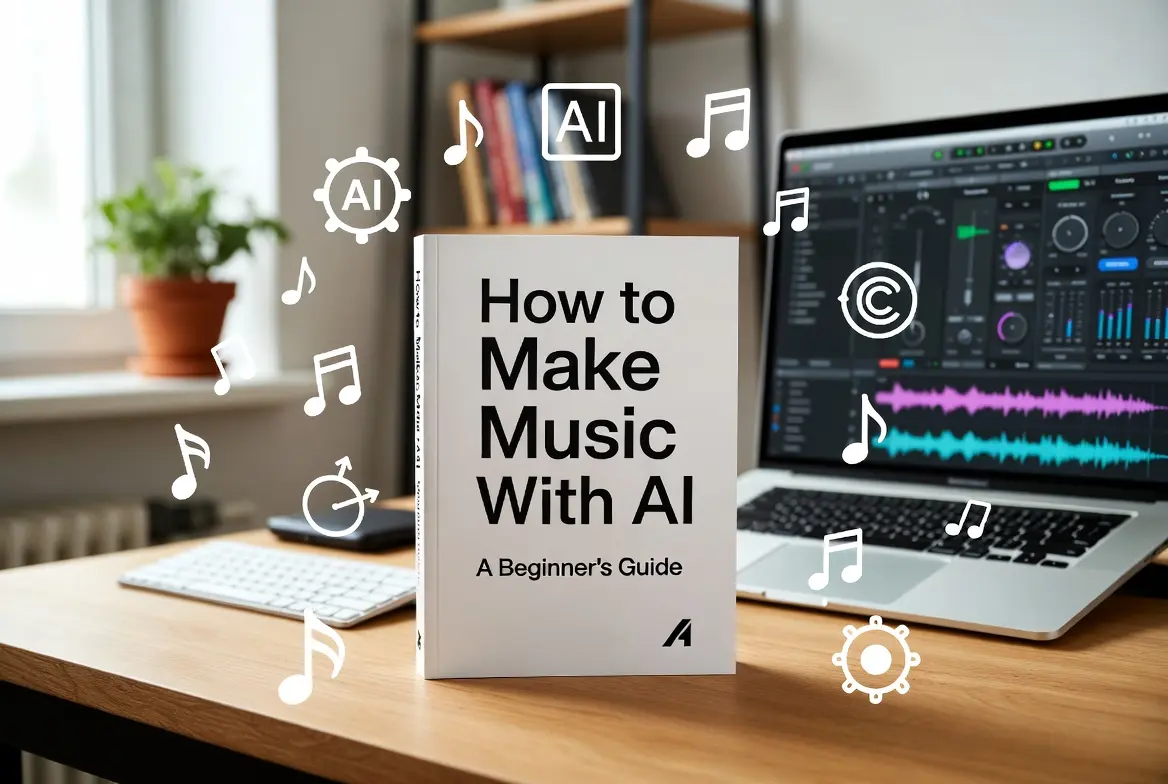
You want to learn how to make music with AI without feeling lost in menus or legal jargon. Good. Let’s walk through a simple path that works for beginners, still respects rights, and keeps you in control of style and output, not the tool.
AI music is no sideshow now. Streaming libraries passed 200 million tracks in 2024, with a huge slice powered by cheap or free production tools. In the US, a recent survey found that about 69% of Americans have already heard about AI being used to create or complete songs, shocking right?
Platforms report tens of millions of AI assisted songs created by users already. At the same time, only a small share of listeners actively create music with AI today, which means there is still a lot of room for new voices.
The tools are ready. You can start with no theory, a laptop, and a clear idea. If you want a wider view of how AI shapes music and video, read our take on AI in media and entertainment for practical use cases.
This guide walks you through how to make music with AI step by step, how to do it with simple or free tools, how to shape a track that sounds like you, and how to stay on the safe side with rights.
Before tools, pick a tiny target. One track, one purpose.
For example: a 60 second lo-fi loop for study, an intro theme for your podcast, or a short hook for Instagram.. A narrow goal helps you judge output fast instead of scrolling presets for an hour.
Ask yourself three things:
You do not need a full studio to start. A few entry tools give you:
Examples include platforms that let users create original songs with commercial rights in minutes, often on free plans with limits. When you review options, look for three things only:
Clear terms on ownership, ability to export audio without watermarks, and simple controls instead of twenty hidden tabs. To keep up with stable, production-ready platforms, review our breakdown of new AI tools that actually ship results for creators.
Most tools work best when you talk like a producer, not like a marketer.
Good prompt pattern:
“Chill lo-fi beat with warm piano and soft vinyl crackle, 70 bpm, loopable, no vocals.”
You name mood, core instruments, tempo feel, length hint, and any hard limit. That is enough.
Try a few variations:
You will notice how fast your ear sharpens once you compare three short options.
If the tool allows structure control, shape a simple map: intro, main groove, light break, return. No need for complex theory. You are learning how to make music with AI by steering, not by surrendering taste.
AI gives you a draft, not a finished record.
Download the track and open it in a simple editor or DAW. Even free editors or browser based workspaces are fine here.
Key tweaks:
This stage is where your personality sneaks in. Nudge the groove so it fits your video, your podcast, your reel. That small human touch already sets you apart in a flood of generic AI tracks.
If you want a song, not just an instrumental, AI can help with lyrics and even guide vocals.
You can:
Free can work if you treat it as training.
A sane plan:
Use free tiers to test genres and prompts, export drafts, then tidy inside a local editor. Accept format or length limits as creative constraints. If a free plan injects noise tags or blocks commercial rights, keep that track for practice only.
The day you feel, “this track could sit in my brand or catalog,” that is your cue to step into a paid tier or a tool with clear licensing for commercial use.
Once you have a track, you can pair it with an AI supported video. This works well for YouTube, Instagram, or background visuals at events.
Practical approach to how to make a music video with AI:
If you want how to make a music video with AI free, look for tools that take short clips or prompts on free tiers with watermarking. For serious release, move to plans that grant commercial rights, or combine AI generated clips with your own footage inside a standard editor.
Always check that models you use do not train on protected logos or styles in a way that could cause trouble. When in doubt, pick tools that publish clear content policies and licensing pages.
Performance rights accounted for 9.5% of global recorded music revenues in 2023. Rights talk feels boring until a track starts doing numbers. Better to handle it early. Also, another study reports that nearly 40% of US adults have used generative AI tools in some form, including creative work like writing lyrics or shaping beats.
Key habits:
Before you upload to streaming, ask yourself one thing: can I explain how I created this track in one clean paragraph without hiding anything. If yes, you are likely on safe ground.
WebOsmotic works with teams that need music for products, explainers, and campaigns without legal stress or production chaos. We’ve supported numerous US-based brands and agencies with our AI-assisted music services. If you’ve got new projects, tap into our proven workflows with support aligned to US time zones.
Our approach stays simple: We begin with brand voice and use cases, design a small AI music toolkit that fits the needs of the rights, and set rules so every track has clear ownership and consistent style. That way you get speed, control, and safe reuse across channels.
Learning how to make music videos with AI does not need a full studio or years of training. Start with one track goal, pick a simple tool, write clear prompts, and edit like a human.
Use free tiers as practice, not as your final catalog. For video, let AI assist visuals that match your sound while you guard rights and taste. The creators who win here treat AI as an instrument, not a shortcut to spam.
For a closer look at algorithms behind composition, you can also read our detailed guide on AI in music composition.