What is AI Glossary: Know About All the AI Terms
317 Views
Summarize Article



An AI Glossary is a practical reference page that defines AI terms in a consistent way your team can reuse in docs, sales calls, product copy, and support replies. Think of it as a shared language layer, so people stop guessing what a word “really means” in your context.
This page is written in an A to Z format, like many competitor glossaries. It is meant to be scanned. If you are building an internal AI terms glossary, you can copy this structure and swap in examples that match your product.
If your focus is messaging, this also works as an AI glossary for marketing because it keeps claims specific and repeatable.
AI is a broad label for software that can learn patterns, make predictions, or generate outputs that look human-made.
Example: “Our support tool uses AI to suggest replies based on ticket text.”
An AI assistant is a chat-style tool that helps with tasks like writing, searching, or summarizing, based on a user prompt and context.
Example: “The AI assistant drafted a first reply, then the agent edited it.”
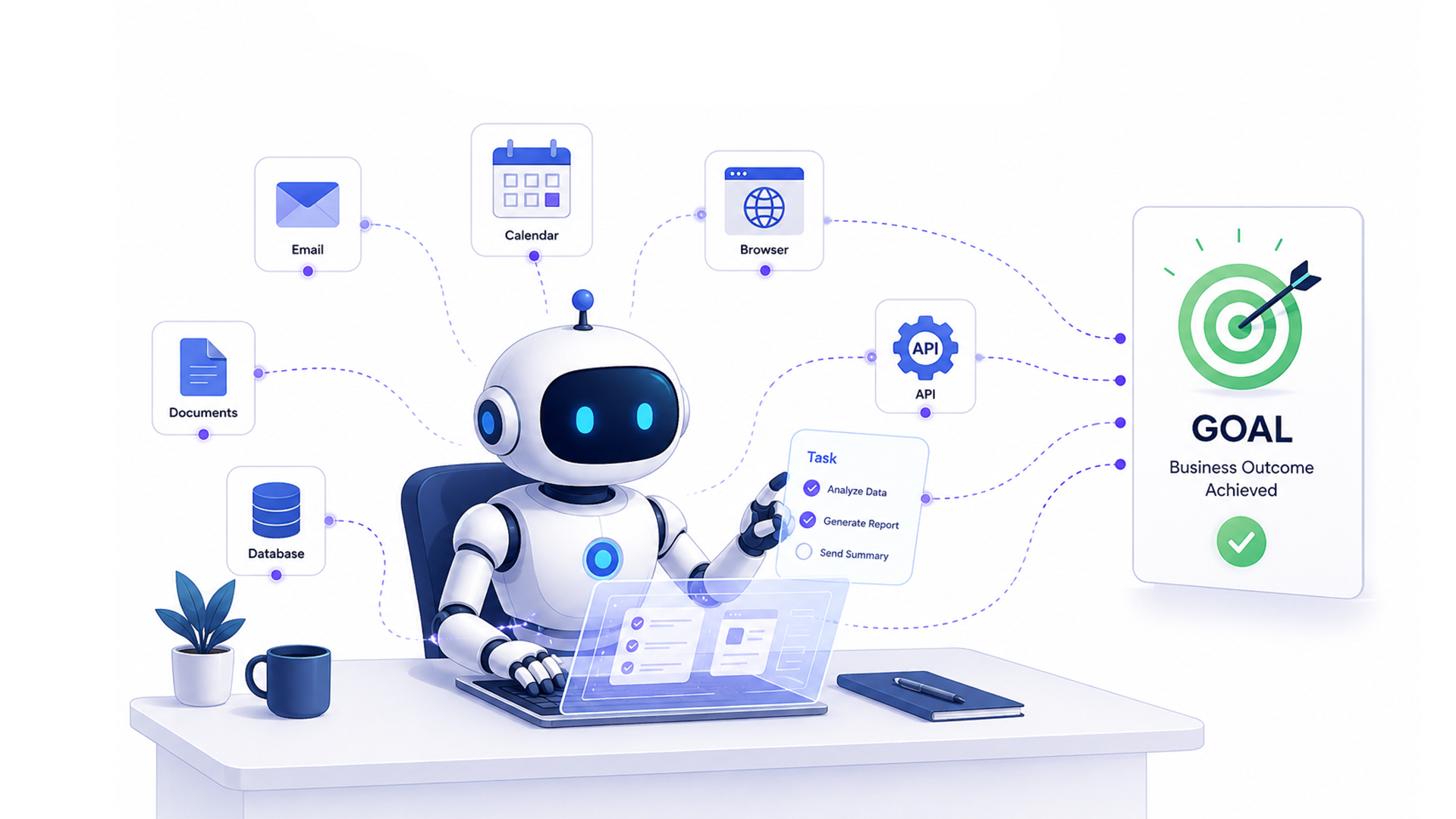
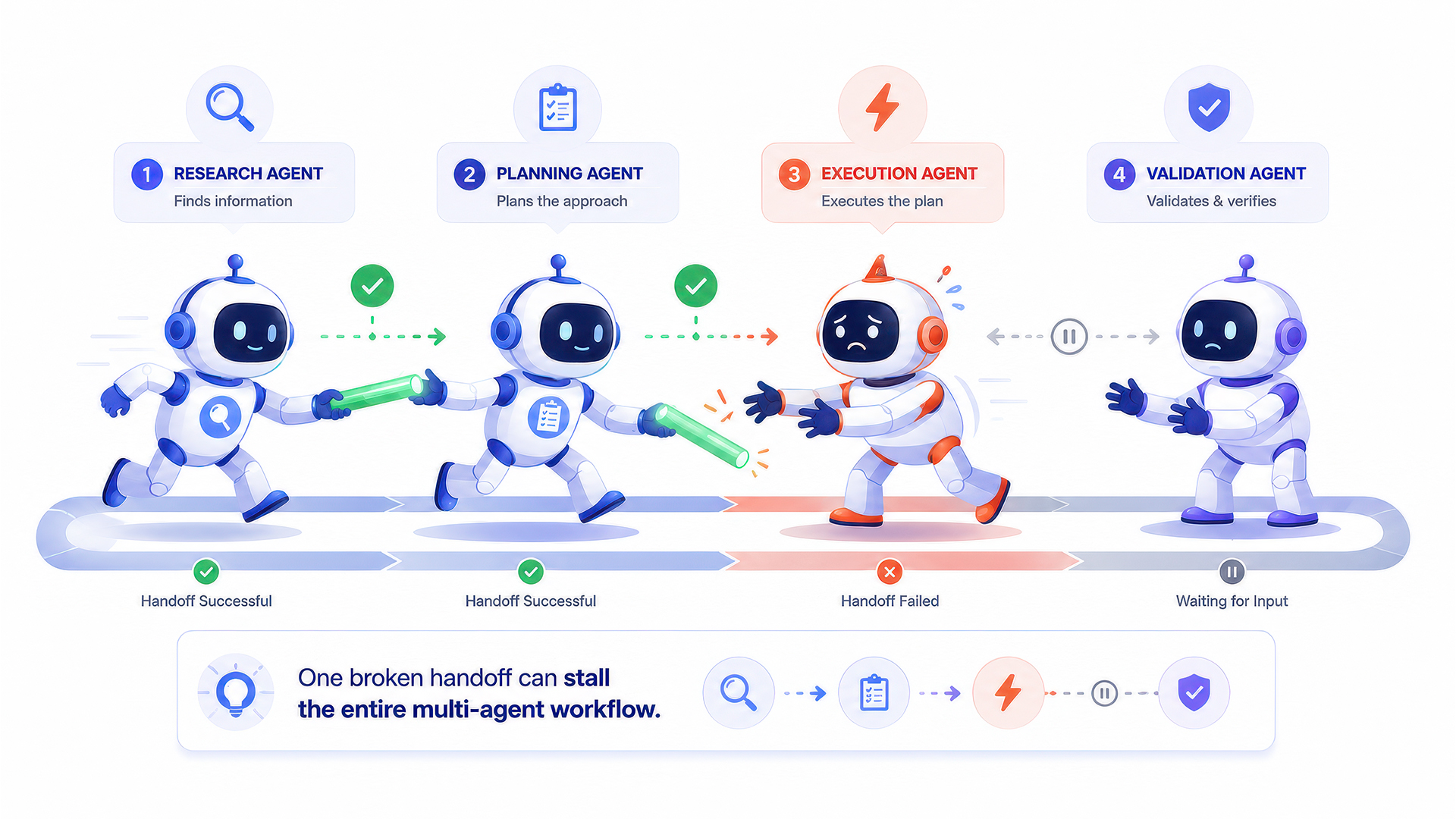
An agent is a setup where a model can plan steps and use tools (like search or APIs) to finish a task.
Example: “The agent pulled account data and then wrote a renewal note.”
An API is a set of rules that lets two software systems share data or trigger actions.
Example: “We used an API to send form leads into the CRM.”
A benchmark is a standard test used to compare model performance across tasks like reasoning or classification.
Example: “We ran the same benchmark monthly to track quality changes.”
Bias is a pattern that makes a model treat some groups unfairly due to skewed data or flawed evaluation.
Example: “The team audited bias in outputs tied to hiring recommendations.”
A chatbot is a conversational interface that answers questions or completes simple actions using rules, AI, or both.
Example: “The chatbot handles password reset requests.”
Classification is a task where a model assigns a label, like spam vs not spam, or urgent vs normal.
Example: “The classifier tags tickets as billing or technical.”
A context window is the amount of text a model can consider at one time while generating an answer.
Example: “Long policy docs were trimmed to fit the context window.”
A dataset is a collection of examples used for training, testing, or evaluation.
Example: “They built a dataset of past tickets and correct replies.”
Deep learning is a form of machine learning that uses multi-layer neural networks, often used in vision and language systems.
Example: “Deep learning helped detect defects in product photos.”
An embedding is a numeric representation of text or data that helps systems compare “similar meaning” quickly.
Example: “Embeddings helped match a question to a related help article.”
Evaluation is the process of testing a model using a repeatable method, often with scores tied to quality rules.
Example: “We used evaluation to catch regressions after a model change.”
Fine-tuning is additional training on a smaller, targeted dataset to improve performance on a specific task.
Example: “They fine-tuned the model on brand tone examples.”
A foundation model is a large model trained on broad data, then adapted for many tasks via prompts or fine-tuning.
Example: “A foundation model powered both search and summarisation.”
Generative AI creates new content like text, images, or code based on patterns learned during training.
Example: “Generative AI drafted product descriptions for review.”
A generative AI glossary is a glossary that focuses on prompt-driven terms like tokens, context, and hallucinations.
Example: “They built a generative AI glossary for onboarding new writers.”
Guardrails are rules and checks that reduce unsafe, off-topic, or non-compliant outputs.
Example: “Guardrails blocked medical advice without disclaimers.”
A hallucination is an output that sounds confident but is not supported by reliable facts.
Example: “The answer included a fake feature, so it was flagged as hallucination.”
Inference is the moment a trained model produces an output for a new input.
Example: “Inference took 1.2 seconds per request.”
Instruction tuning trains a model to follow human instructions more reliably, often using curated task examples.
Example: “Instruction tuning improved compliance with formatting rules.”
A knowledge base is a set of documents a system can use to answer questions, like help articles or policies.
Example: “The bot checks the knowledge base before drafting replies.”
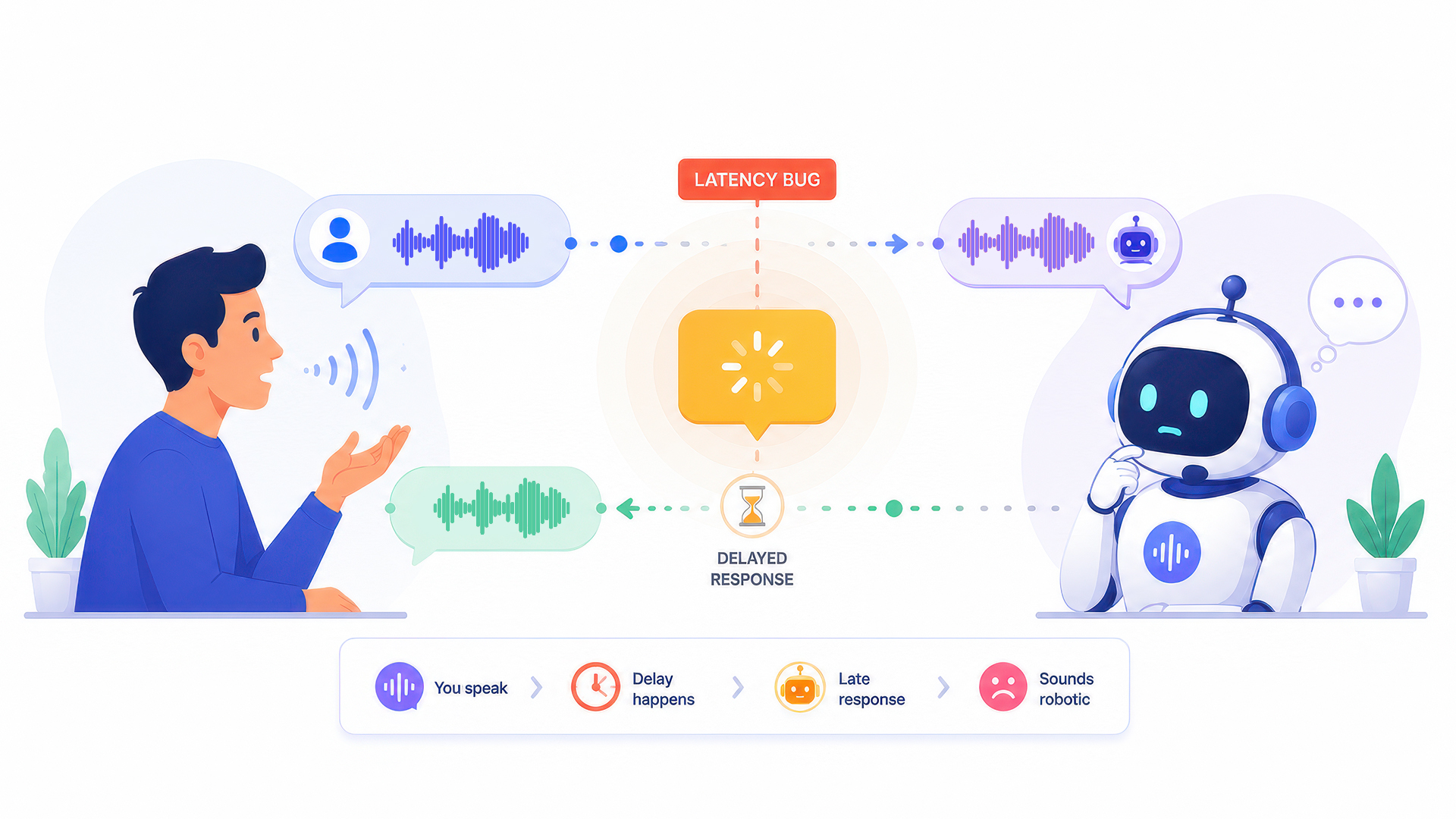
Latency is the delay between sending a prompt and receiving an output.
Example: “High latency made the tool feel slow during live chats.”
An LLM is a model trained on large amounts of text to generate and understand language.
Example: “The LLM summarised calls into short notes.”
Machine learning is a method where systems learn patterns using data instead of hand-written rules.
Example: “ML helped predict churn risk based on usage signals.”
A model is the trained system that produces predictions or generated outputs.
Example: “The model ranked results based on relevance.”
Multimodal systems can work with more than text, such as images and text together.
Example: “The multimodal model described what it saw in a photo.”
NLP is the field focused on understanding and generating human language in text or speech.
Example: “NLP routed emails to the right support queue.”
Overfitting happens when a model performs well on training examples but poorly on new, real inputs.
Example: “Overfitting showed up as great test scores but weak live results.”
Parameters are internal values a model learns during training that shape its outputs.
Example: “More parameters often need more compute, but not always better results.”
Personalization adapts content or recommendations based on user data, behavior, or preferences.
Example: “Personalization changed homepage products based on browsing.”
A prompt is the input text that tells the model what to do and how to respond.
Example: “A clearer prompt produced a more useful summary.”
RAG is a method where the system retrieves relevant documents and then writes an answer using that material as support.
Example: “RAG pulled policy text before generating the response.”
Reinforcement learning trains systems using feedback tied to rewards or penalties over time.
Example: “Reinforcement learning is common in robotics and game agents.”
Segmentation groups users into buckets based on traits or behavior, so messaging and analysis stay focused.
Example: “Segmentation separated trial users and paid teams.”
Supervised learning trains a model using labeled examples, where the “right answer” is known.
Example: “Supervised learning trained the spam detector using past labels.”
A token is a chunk of text a model uses for reading and writing, which affects limits and cost.
Example: “The long transcript used too many tokens for one prompt.”
Training is the process where a model learns patterns using a dataset and an optimisation method.
Example: “Training used curated examples tied to support tone.”
Unsupervised learning finds patterns in data without labels, often used for clustering and exploration.
Example: “Unsupervised learning grouped customers by usage style.”
A vector database stores embeddings so systems can quickly retrieve similar text or items.
Example: “The vector database returned the closest help articles.”
Zero-shot means the model attempts a task without task-specific examples in the prompt.
Example: “Zero-shot classification worked, but accuracy was lower.”
If you are building a Glossary of AI terms for growth and content teams, add a few entries that map to real outcomes.
Lead scoring ranks leads based on fit and intent signals in your data.
Example: “Lead scoring pushed high-intent leads to sales faster.”
If you want leads faster, read our detailed guide about the best AI lead generation software.
An A/B test compares two variants to see which performs better on a metric like signup rate.
Example: “The A/B test showed the shorter form converted better.”
This is the core of an AI marketing Glossary: terms that keep briefs precise and stop vague claims.
An AI Glossary is a simple tool with real impact. It reduces confusion, improves messaging, and keeps teams aligned as AI terms keep shifting. Start small, write in plain language, and update it on a steady schedule.
If you already have scattered definitions across docs, turning them into one clean AI terms Glossary is one of the fastest ways to make your AI work feel more organised and more reliable.